Computing has transcended from Desktop to Mobile computer for everyday purposes.
The mobile OS ecosystem has matured over the last decade.
This has led to the growth of viruses, trojans, malware, etc.

as well, which keeps looking to extract data or hack into our smartphones.
Table Of Contents
Do I need an Antivirus for Android?
Smartphone security and privacy concerns have been growing ever since the start of this decade.
Therefore, it has become increasingly essential to protect your data from the ever-increasing threats of viruses and malware.
Google Playstores Play Protect was launched and integrated into the store to monitor apps on the platform in real-time.
10 of the Best Free Antivirus for Android Smartphones
1. system is available for both Android and iOS operating systems.
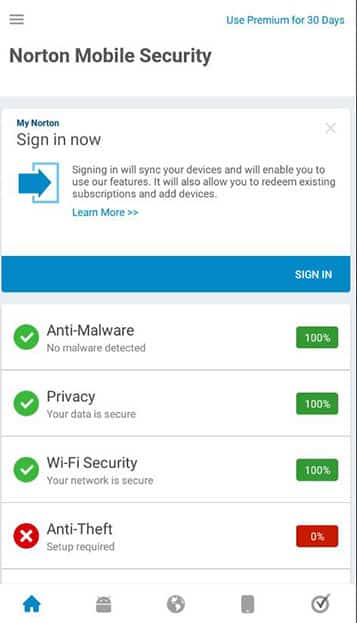
Setting up the process after the initial installation from the Playstore is reasonably easy and simple.
WiFI scanning looks out for DNS spoofing, encryption tampering, etc.
to ensure a secure connection and prevent hackers from unauthorized access to your smartphone.
Phone Resource hoggingis a key concern for low-end smartphone users.
Anti-virus are on a constant lookout for any malicious files, folders so it is frequently scanning the phones.
Norton uses up additional sources than it usually should and often results in the slowing of lower-end segment phones.
Therefore, it is not recommended for low-end smartphones with low-power specifications.
BitDefender
BitDefender is a veteran in the anti-virus software segment and cybersecurity, just like Norton.
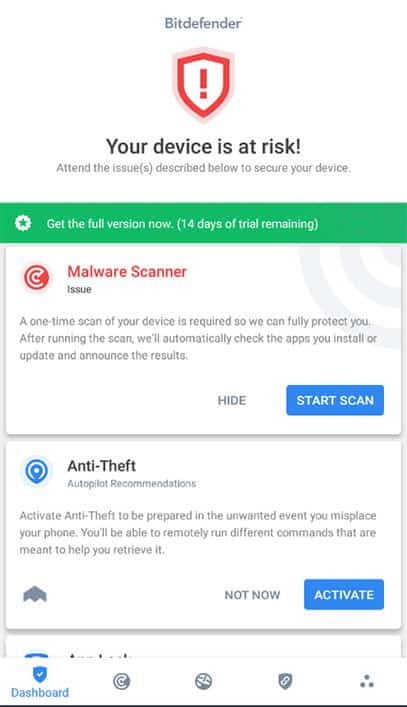
After installing BitDefender, it prompts for signing into an account.
First-time users can register and create an account.
Apps can be locked with 4-8 characters numeric-pin which is applicable across all the locked apps.
App lock can be set to be automatically disabled when connected to a user set trusted WiFi.
In-built VPN(Virtual Private internet) can be used for secure Internet usage over an untrusted Internet outlet.
Avast Security
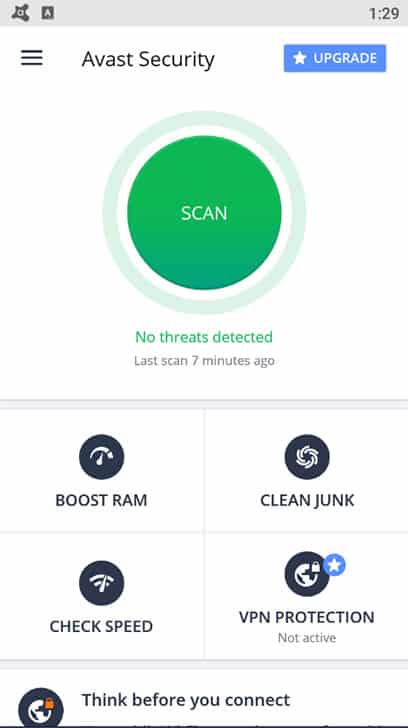
Avast mobile antivirus is one of the best free antiviruses for Android smartphones.
It comes in two versions.
One is free with a block-shaped ad in the app.
The adware version has WiFI-protection, RAM booster, etc.
The other is premium, offering features like VPN, App Locking, etc.
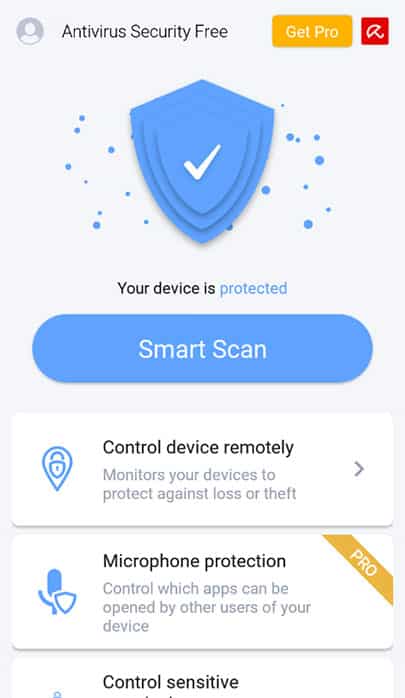
Photo-vault features enable users to store private photos that would not like to share with others.
Another exciting feature isClipboard scanning.Itis a unique feature that is not available on many mobile antivirus software.
The clipboard is the temporary storage where your copied text, links, etc.
are stored until pasted in another place.
Sometimes malwares use it to paste harmful links or execute malicious code through the clipboard.
AVG security
AVG Mobile Antivirus by AVG technologies is one of the highest-rated antiviruses for Android.
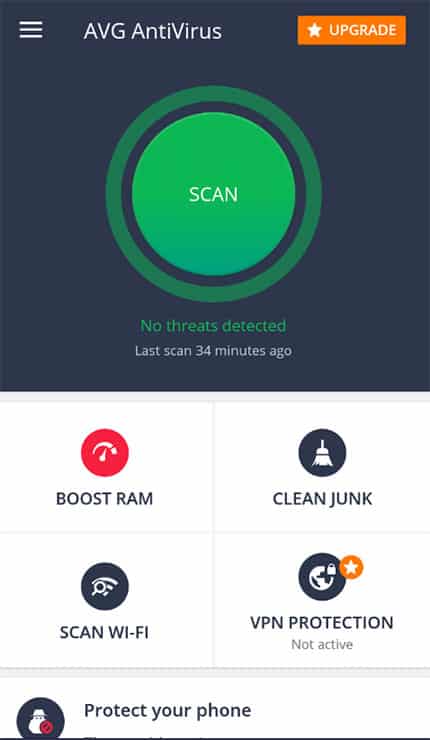
The user interface is similar to Avast, and so are the features.
They offer WiFI scanning with automatic mode, photos vault, anti-theft in the free version of the antivirus.
The premium version offers the removal of ads, app locking, and dedicated VPN protection.

Download AVG Antivirus
5.
Dfndr Security by PSafe
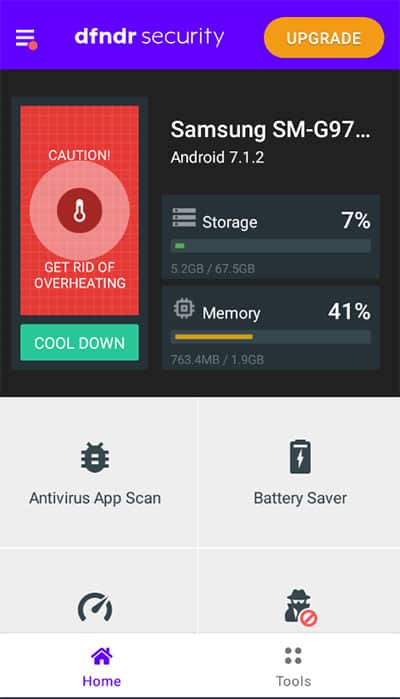
Dfndr security by PSafe is an underdog in the smartphone antivirus segment.
In addition to antivirus scanning, Dfndr offers an in-built junk cleaner which frees up storage for other purposes.
Medium and low-end phones often experience a lag in their gameplay due to various underlying reasons.
The gaming experience can be enhanced by using theGaming Boosterfeature, thus reducing lag.
The biggest downside I felt was the intrusive ads that were present in every window and home feed.
Download Dfndr Security
6.
Capsule by ESTsoft corp
Dr.
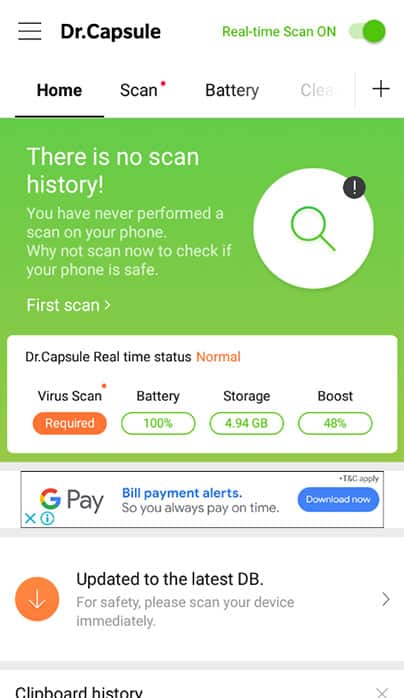
Capsule is a free antivirus for Android smartphones running on Android 4.4 and above.
It contains ads that keep their wagon running.
Their app has one banner ad which can be found in almost every tab.
as set by the user.
The antivirus is entirely free and does not charge a dime for providing a variety of mobile security features.
The antivirus is completely free and does not charge a dime for providing a variety of mobile security features.
Account NoType Adware; FreeAndroid Version 4.4 and up
Download Dr.Capsule
7.
McAfee Mobile security
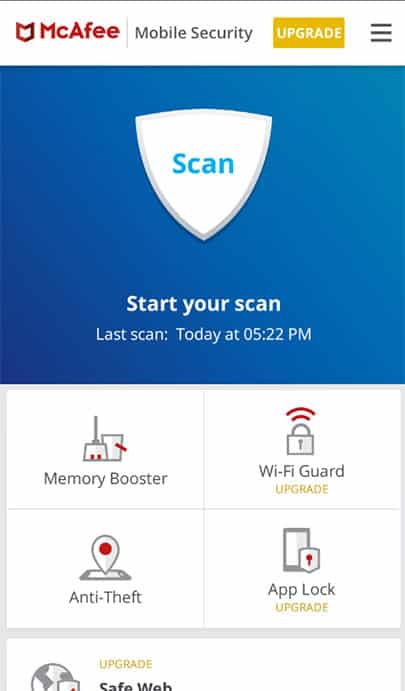
McAfee mobile security offers heavy-duty scanning backed by a humongous virus definition database.
It also can send an S.O.S.
message before the battery dies out.
Other apps are hidden, and payments are blocked in the Guest mode.
Account NoType Adware/PremiumAndroid Version 4.2 and up
Download McAfee Mobile Security
8.
Avira Antivirus Security
Avira is a well-known name in the cyber-security and computer anti-virus solutions.
The phone has a unique in-app gear tracking for the connected devices with the account.
App lock is offered on both versions of the app.
App locksets up with first-time pin input, followed by an app list for locking the app.
Camera and Microphone protection prevents apps from using a camera and microphone without the appropriate permission from the user.
Account OptionalType Adware/PremiumAndroid Version 5.0 and up
Download Avira Antivirus
9.
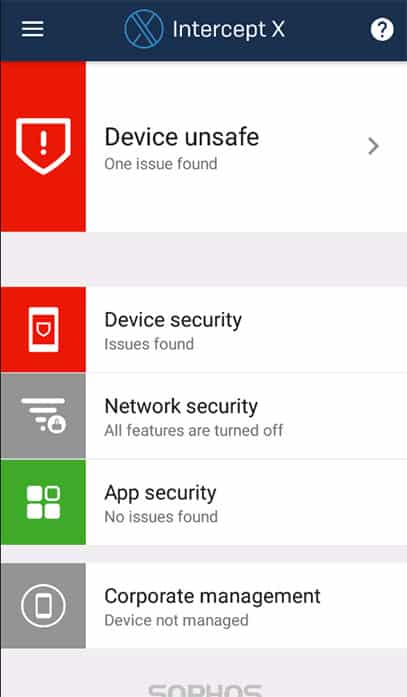
Sophos Intercept X
Intercept X is another neat free antivirus for android smartphones.
Link checker acts as an added layer of security for dealing with malicious links.
Account NoType FreemiumAndroid Version 5.0 and up
Download Intercept X
10.
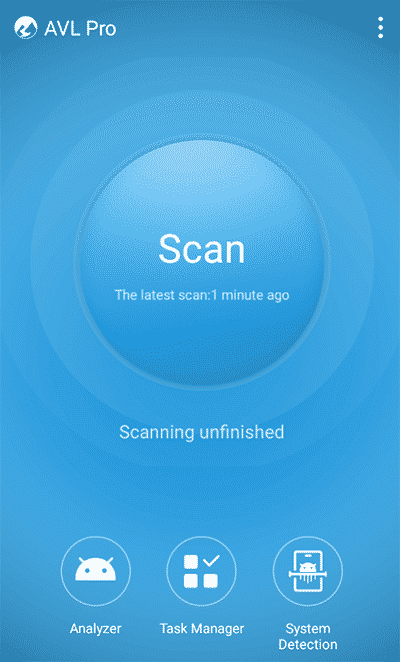
It has a thorough scanning procedure, which takes a while to scan the entirety of your smartphone.
The interface is the easiest to use as compared to the antivirus apps mentioned above.
System file protection is a crucial feature for protecting the software integrity of a smartphone.
Spyware, Trojans often attack the Operating system files that affect the primary functioning of a smartphone.
Therefore, it is necessary to protect the system files of a phone from any third-party intrusion.
Task Manager for apps shows the apps statistics in terms of battery usage, RAM usage, etc.
which helps in analyzing the effect of individual apps on the performance of the phone.
The task manager can be downloaded from the server by tapping on theenablebutton.
Also Read-
Let us know know your preferred antivirus for mobile
Read More
source: www.techworm.net
